





Documentation
recab
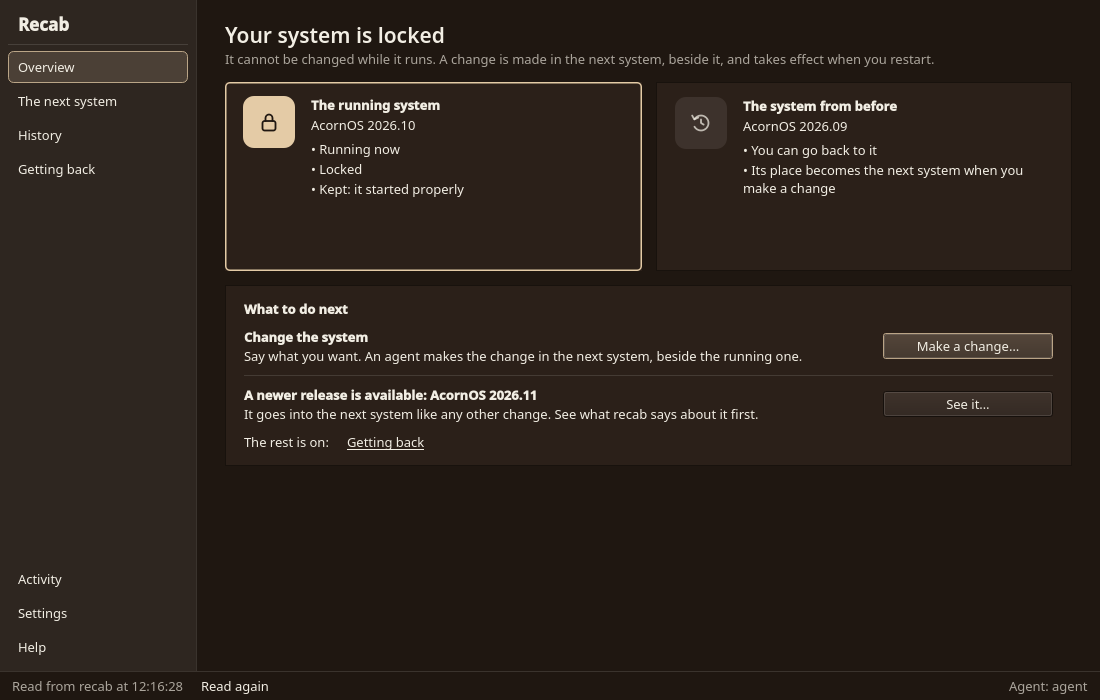
The two root filesystems of an A/B installation, root A and root B. The booted root is locked. The other root is unlocked, and changes are made there.
The Two Roots
- The booted root is locked: read-only, with its block device read-only.
- The other root is unlocked: writable, mounted read-write at
/run/recab/other. Changes are made there. Recipe writes system software into it. - Boot the other root and the roles swap. Nothing else decides which is which.
- The boot default is the root that last finished starting. A root that does not finish starting is not booted again by default: the machine starts the previous root again.
A mutable (single-root) installation has no A/B and no recab.
Using It
recab status          # which root is booted, the other one, what boots next
recab copy            # make the other root a copy of the booted root
recab boot-other      # start the other root at the next boot, once
recab boot-other --cancel
recab update          # written, not run yet: download a release and apply it to the other root
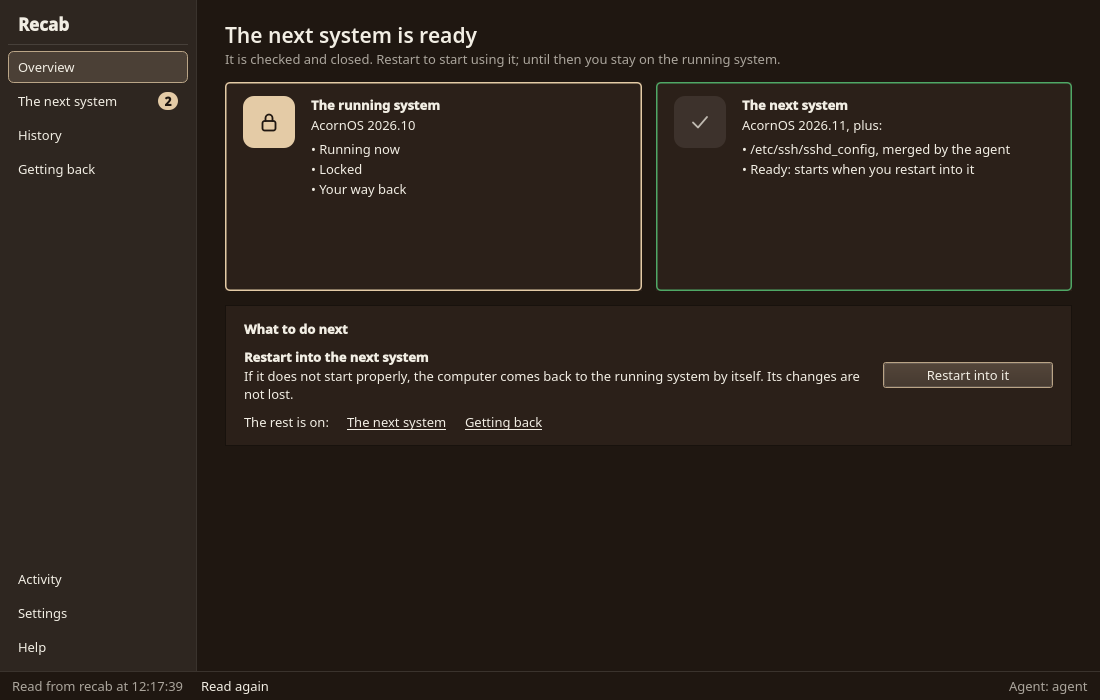
To change the system, write into /run/recab/other (Recipe does this), then run recab boot-other and reboot. If the other root finishes starting, it becomes the boot default and the root you came from is now the unlocked one. If it does not, the machine starts the previous root again.
To start over from the running system, run recab copy. It overwrites the other root with a copy of the booted root, boot files included. When the other root cannot be mounted or copied into, its filesystem is created anew. Anything written into the other root before is gone.
recab compare shows how the two roots differ. recab health shows how startup ended.
Current CLI
Commands and options come from recab --help:
Manage the two root filesystems A and B: the booted root is locked, the other is unlocked

Usage: recab [OPTIONS] <COMMAND>

Commands:
  status               Show which root is booted (locked), which is the other (unlocked) and where it is mounted, the boot default and any one-time pick
  copy                 Make the other root a copy of the booted root, boot files included. Creates its filesystem anew when it cannot be mounted or copied into
  update               Install the newest release into the other root and start it at the next boot, once: recupdate fetch, copy, Recipe's apply-release, the other root's boot files, boot-other. The booted root is not touched
  boot-other           Start the other root at the next boot, once
  started              Run once per boot by recab-started: wait for startup to finish and, if it finished, make the booted root the boot default
  compare              Read the running system and the other root and say how alike they are; changes neither
  health               Wait for startup to finish and report how it ended (read-only; needs no A/B layout)
  init                 Set up a freshly installed system: for A/B, root B becomes a copy of root A, both boot entries are written and A is the default
  verify-installation  Check an A/B installation before finishing: both roots, both boot entries and A the default
  install-unit         Write recab's package contents into a tree: the recab-started service (systemd unit or OpenRC service), enabled, and the read-only root's runtime policy
  help                 Print this message or the help of the given subcommand(s)

Options:
      --json            Print the result as JSON; a failed command prints one JSON error on stderr
      --machine-events  Emit start/finish/failure JSON lines on stderr; stdout remains the command result
  -h, --help            Print help
  -V, --version         Print version

The booted root is locked: mounted read-only. The other root is unlocked:
mounted read-write at /run/recab/other, where changes are made. Boot the other
root and the roles swap. The boot default is the root that last finished
starting, so a root that does not finish starting is not booted again by default.

Common tasks:
  recab status        Which root is booted, which is the other, what boots next
  recab copy          Make the other root a copy of the booted root
  recab update        Install the newest release into the other root and start it once
  recab boot-other    Start the other root at the next boot, once