





Documentation
Recipe Format
Recipes are Rhai files. A recipe states its facts in literal declarations and writes code only for what is unusual. Every recipe starts with const RECIPE_API = 1; and declares a literal const NEEDS = #{...}; for typed inputs, outputs and execution authority. An empty declaration has no inputs, outputs or network grants. Recipe reads the declarations without running the recipe, downloads and unpacks the sources, places the files, records what is done, installs, removes and cleans up. A recipe that starts no program runs on the host, confined by Recipe; any other runs inside a configured Ginux domain.
Two Uses, One Format
| Collection in the source tree | Owner and purpose |
|---|---|
| distro/builder/os-recipes/ | The OS builder: root filesystems, kernels, build tools and live overlays. Its products become system images managed by recab. |
| recipes/ | The user-managed software catalog, starting with ripgrep. Recipe activates its package output independently of the OS image. |
Both collections use the engine in tools/recipe and the same API 1 declarations. Their directory and consumer identify their purpose. A named package output selects CLI activation; the OS builder uses --no-activate. There is no second recipe format or engine. No image bundles apps: the desktop and its apps are group recipes in the public catalogue, installed through Recipe during the installation.
A normal recipe has one output, and its body never names it. The output's name in NEEDS.outputs says what it is: package is a package activated in a profile, system is a tree written into a system root, tools is put on the PATH of a consumer, and any other name is a product the caller picks up. Normal package removal uses the installed receipt.
A Complete Recipe
This is the ripgrep recipe. The SOURCES entry is downloaded and unpacked by Recipe, and FILES says which of its files go where in the package. The recipe has no code at all.
const RECIPE_API = 1;
const NEEDS = #{
    outputs: #{ "package": "directory" },
    network: ["github.com:443", "release-assets.githubusercontent.com:443"],
    network_max_bytes: 8388608,
    timeout_secs: 300,
};
const ABOUT = #{
    kind: "tool", category: "utilities",
    details: "Searches the files under a folder for a text pattern, fast.",
    homepage: "https://github.com/BurntSushi/ripgrep", license: "MIT OR Unlicense",
    adds: #{ programs: ["rg"], menu: [] }, keeps: [],
};
const PACKAGE = #{ name: "ripgrep", version: "15.2.0", description: "Fast recursive text search with rg" };
const UPSTREAM = #{ github: "BurntSushi/ripgrep" };
const SOURCES = #{
    release: #{
        url: "https://github.com/BurntSushi/ripgrep/releases/download/15.2.0/ripgrep-15.2.0-x86_64-unknown-linux-musl.tar.gz",
        sha256: "33e15bcf1624b25cdd2a55813a47a2f95dbe126268203e76aa6a585d1e7b149c",
    },
};
// One source: paths are inside it; its single top folder is left out.
const FILES = [
    ["rg",          "bin/rg", 0o755],
    ["doc/rg.1",    "share/man/man1/rg.1"],
    ["COPYING",     "share/licenses/ripgrep/COPYING"],
    ["LICENSE-MIT", "share/licenses/ripgrep/LICENSE-MIT"],
    ["UNLICENSE",   "share/licenses/ripgrep/UNLICENSE"],
];
Run it with recipe install ./ripgrep.rhai --no-activate --build-dir ./ripgrep-work to publish the package output without activating it.
Declarations
| Part | Purpose |
|---|---|
| RECIPE_API | The number 1. The first line of every recipe; the engine accepts nothing else. |
| NEEDS | What the recipe may use: inputs, defines, outputs, network, limits. Required. |
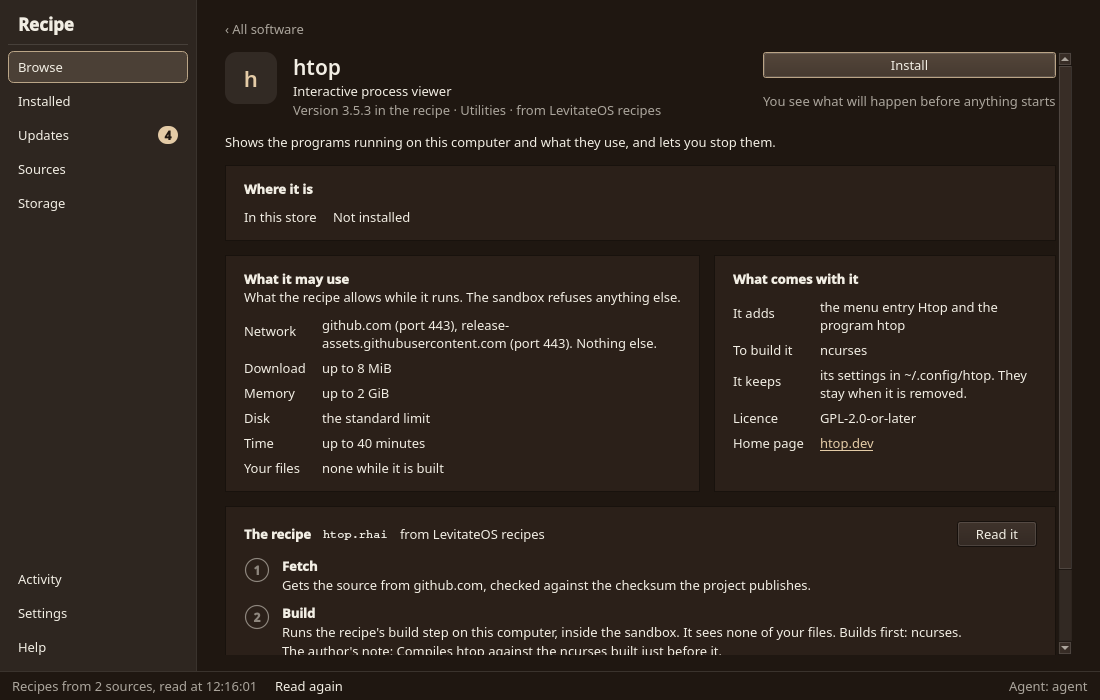
| ABOUT | What a front end shows: kind, category, details, homepage, license, adds, steps, keeps. |
| PACKAGE | name, version and description, as literal strings. |
| SOURCES | What Recipe downloads before anything else: a url with its sha256, or a git repository with a full commit. |
| FILES | Which files of the sources go where in the output. |
| PACKAGES | The distribution packages a group is made of; the pins file beside the recipe lists the exact ones. |
| ACCOUNTS | Users and groups of a system output. |
| UPSTREAM | Where the newest version can be found: a GitHub repository, or a latest() function. |
| RERUN | true: run every time, never reuse a result. |
| deps, build_deps | Literal lists of the recipes this one needs installed, or only while it builds. |
Declarations are literal data: no helper calls, no variables, no arithmetic. That is how recipe list, info, validate and the app can show them without running the recipe. A recipe may also define build(src, out), configure(tree) (only with PACKAGES), verify(out), latest() and cleanup(reason). build gets the unpacked sources by name in src and the output folder in out. verify only reads the result and starts no program. Recipes that still use ctx, RUNTIME or the hooks acquire, install, remove, is_acquired, is_built and is_installed are refused with the line to change.
Constants
| Constant | Value |
|---|---|
| PREFIX | Where the package output will live once activated; () with --no-activate, for a dependency and for other outputs. |
| JOBS | How many jobs the user asked for, 1 to 16. |
| HOST_LIBC | "glibc", "musl" or "unknown": the C library of the system the result is installed on. |
| PACKAGE_FORMAT | "rpm" or "apk" with PACKAGES; () without. |
| INPUTS | Each declared input's read-only path; () for an optional input not given. |
| DEFINES | Each declared define's value, given or default. |
| DEPS | Each dependency's output path; a map by output name for a dependency with several outputs. |
| WORK | A private folder for build material, deleted after a successful run unless kept. |
These are visible in every function the engine calls and in every function those call. A value computed at the top level is not; compute it inside the function.
Steps and States
| Step | What Recipe does |
|---|---|
| download | Fetches the sources and pins for this system into the download store. |
| build | Unpacks, places FILES, runs build or configure, runs verify and keeps the result. |
| install | Activates a package output, writes a system output into the root, or publishes a producer's outputs. |
| cleanup | Deletes the program's downloads, unpacked sources, build material and saved state. |
recipe install does every step still missing, then cleanup, unless the user chose to keep the material with --keep. Each step can also be run alone. A program is in one of four states, decided from Recipe's own records and not by running recipe code: none, downloaded, built and installed. recipe state NAME prints it.
An interrupted build resumes from the newest checkpoint. A recipe saves values with save(name, value) and checkpoint(name), and reads them back with saved(name) and reached(name). Recipe keeps one checkpoint at most and deletes it when the install succeeds.
Verified Sources
Every SOURCES URL needs a full SHA256, and a Git source needs a full commit id. Recipe stores a download under its SHA256 and unpacks archives (tar.gz, tar.xz, tar.bz2, tar.zst, zip) and rpm files natively, without scripts. Declare every contacted host, including redirects, in NEEDS.network; recipe validate says which one is missing. Caller --network-host HOST:PORT restrictions can only narrow those grants across the graph. A recipe without SOURCES may download inside build with the helpers in Acquire Helpers.
Dependencies and Inheritance
//! extends: base.rhai
const RECIPE_API = 1;
let deps = ["runtime-tools"];
let build_deps = ["compiler-tools"];
deps and build_deps are literal arrays, read before launch. Each dependency runs in its own instance with its own NEEDS. A dependency's output reaches the consumer through DEPS; a directory output named tools is also put on the consumer's PATH. Caller restrictions narrow every instance without lending parent grants. A child recipe can extend one base recipe, which declares RECIPE_API too. Only one level of extends is supported.
Inputs and Products
Declare each input name and kind in NEEDS.inputs, then bind immutable inputs with --input NAME=PATH. Dependencies use --input DEP::NAME=PATH and never implicitly inherit inputs. Genuine choices a caller makes are defines: declared in NEEDS.defines with a default (() means required), given with --define NAME=VALUE and read as DEFINES.NAME. After a successful run the final JSON contains the published host paths in outputs. Declare every published name and kind in NEEDS.outputs. Consumers validate the names and kinds they need instead of guessing build paths.